
If you want to restrict access to your AWS Cognito user pool to only a specific company’s domain, you can follow these steps:
Step 1. Create a Lambda function that allows access to the desired company domain.
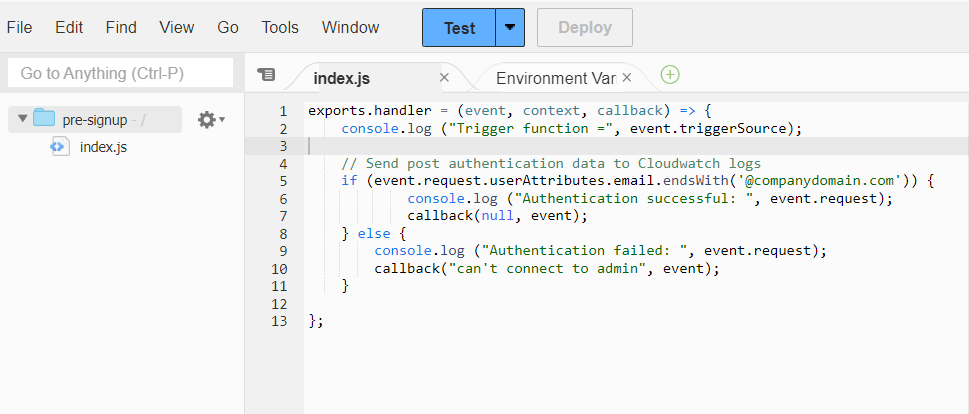
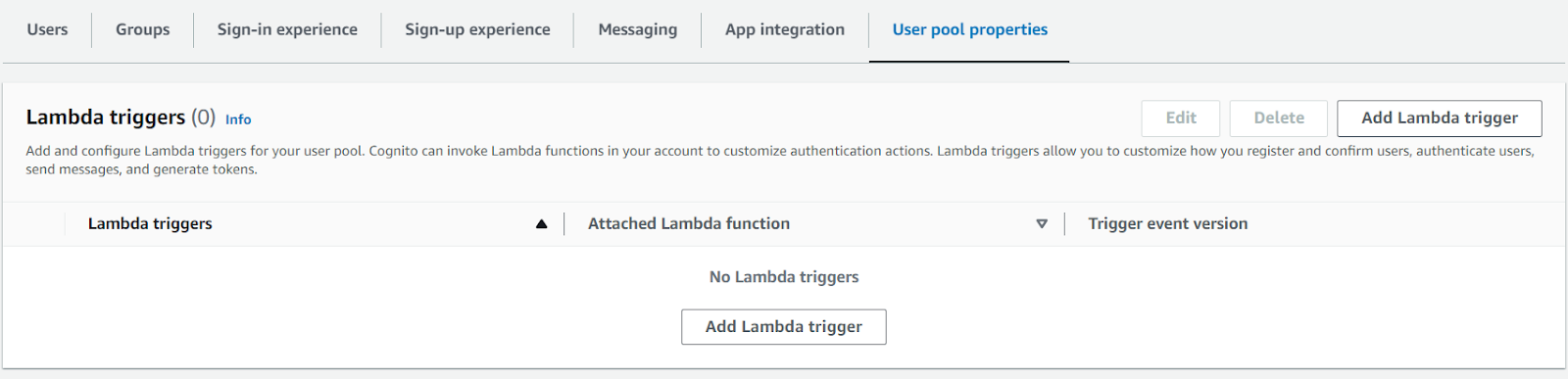
Step 2. Assuming you have already created the Cognito User Pool, add a lambda trigger in the User Pool properties.
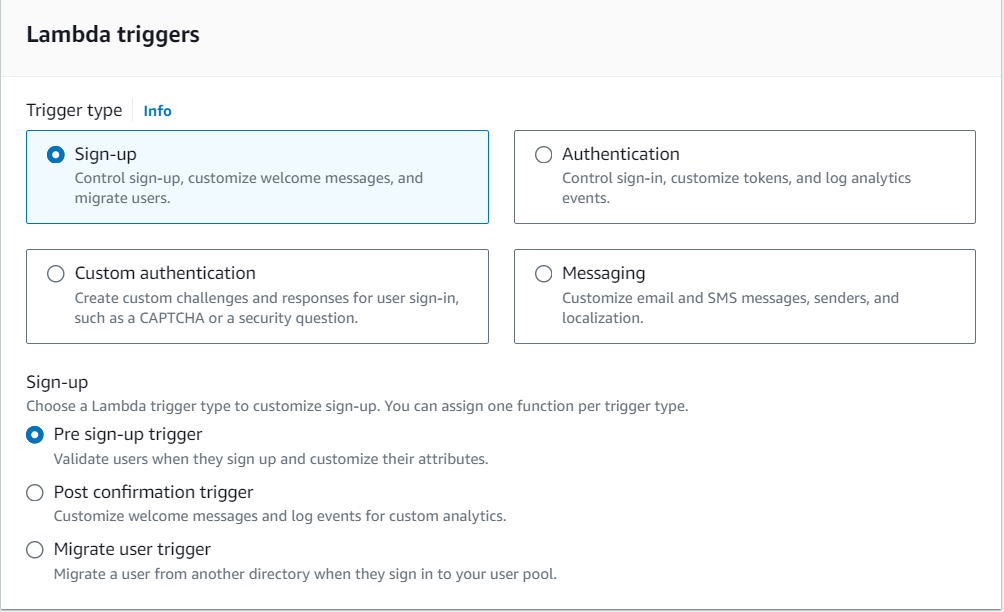
Step 3. Select “sign-up” as the trigger type and choose “pre-signup”.
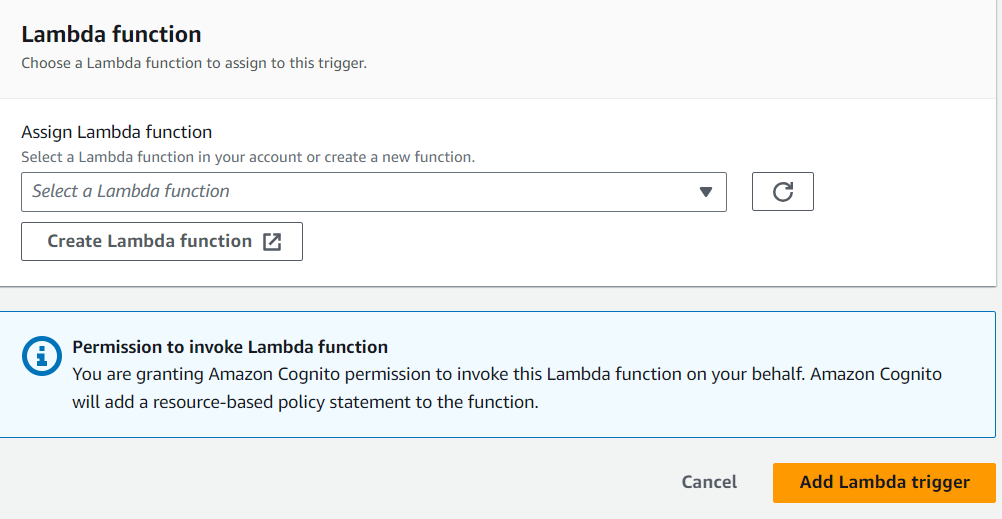
Step 4. Provide the Lambda function and add the trigger.
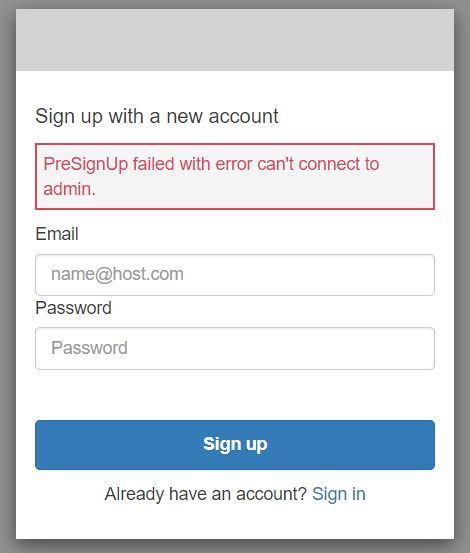
Step 5. Test the setup by checking the hosted UI and attempting to use a domain that should not be accessible. You should receive an error if access is restricted..
By implementing these steps, you can ensure that only users with email addresses from the specified company domain can access your Cognito user pool, providing an added layer of security and control.